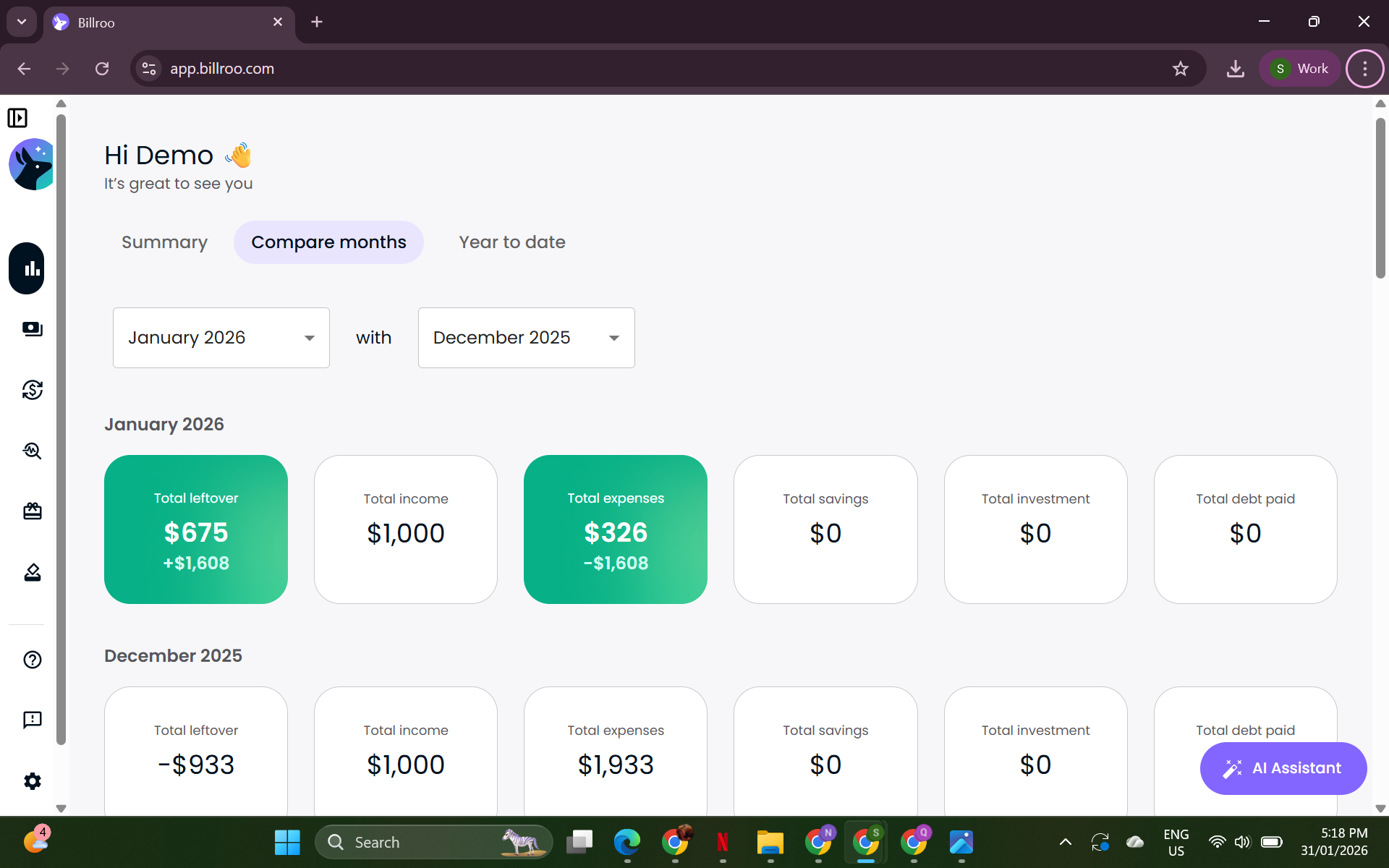
Comparing YTD and Monthly Finances
This feature is designed to help you gain insights into your financial trends over time, and is currently available on the desktop version of Billroo. If you're using the mobile app, you can easily log in to the desktop version on a computer using the same email address that you used to sign up for the app.
Comparing Months
To compare your overall finances for any two months in the past year, navigate to the Overview tab and select the "Compare Months" option. This will provide you with a clear view of how your finances have changed over time.
Year to Date Comparison
In addition to month comparisons, Billroo also offers a "Year to Date" tab. This feature allows you to compare your current year-to-date (YTD) finances with the same month from the previous year. Please note that this information will update at the end of each month.
Happy budgeting and enjoy exploring your financial journey with Billroo!