
Returning to Sign In After Using the Wrong Email
Edited
If You’re Being Asked to Create a New Account
If you’ve logged into Billroo and are being prompted to create a new account even though you already have one, it usually means you signed in with the wrong email address.
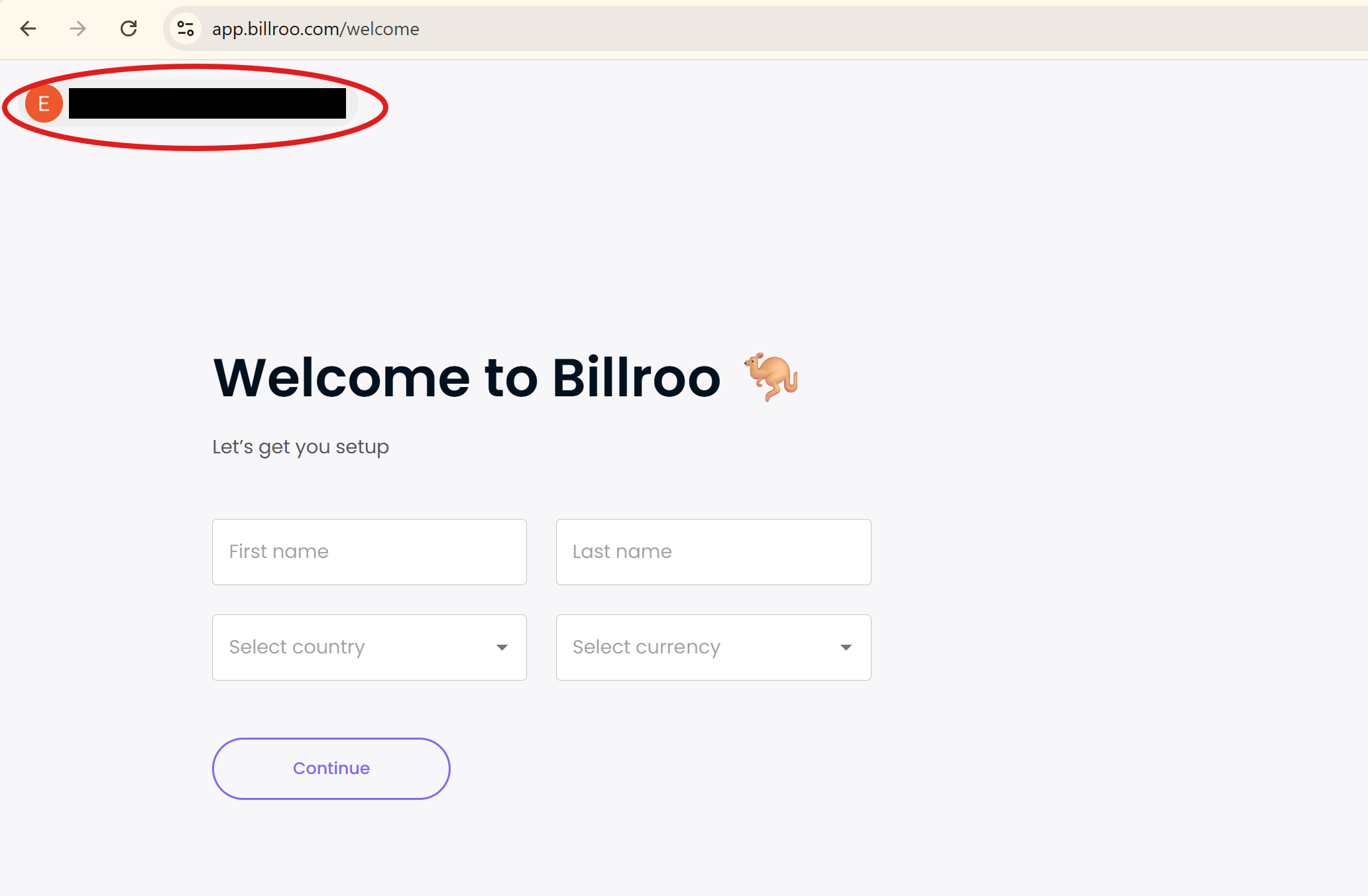
Check the email address – Look at the top right-hand corner of the screen to see which email you’re currently using.
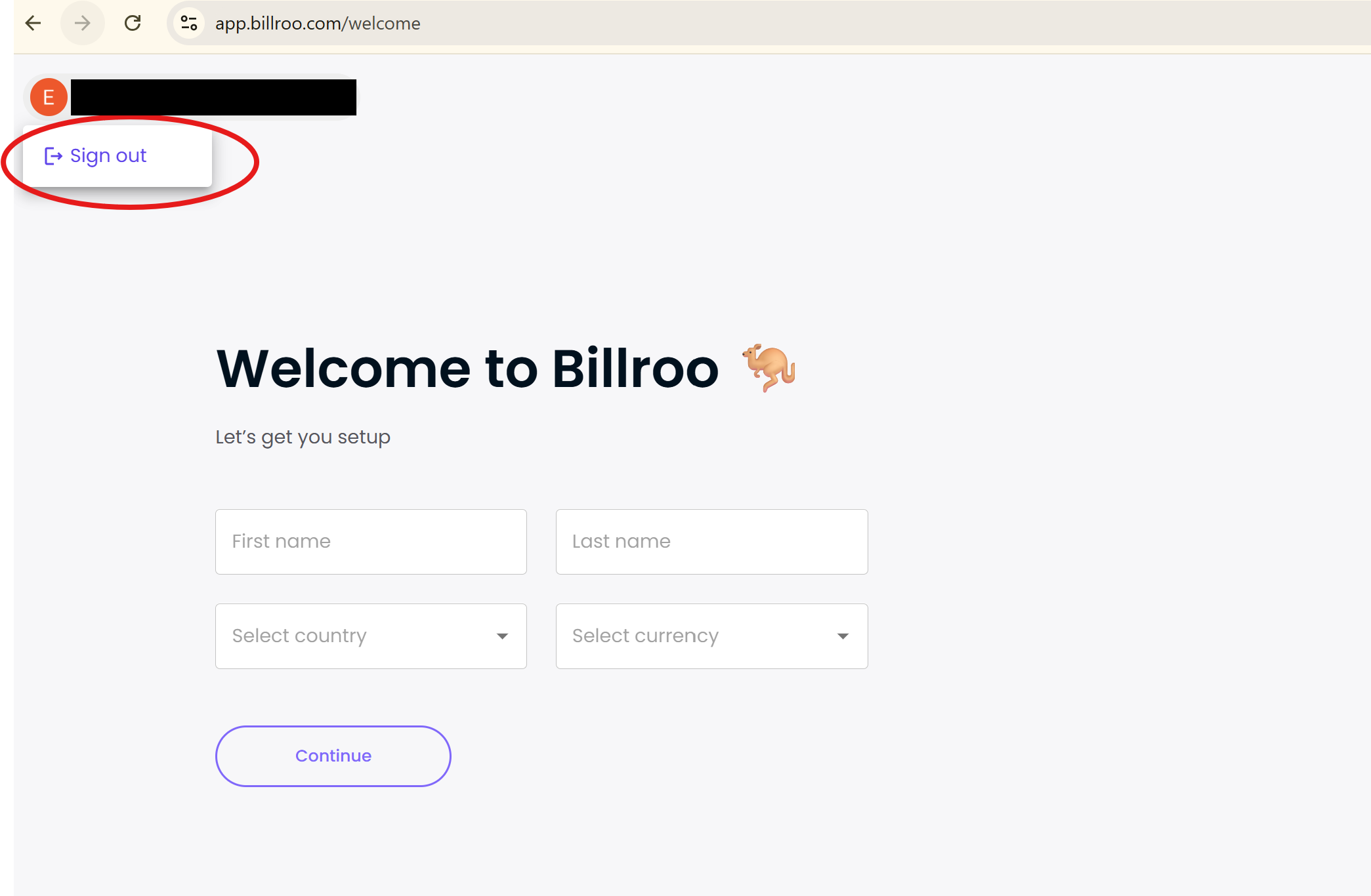
Sign out – If it’s not the right email, click Sign Out.
Log back in – Enter your original email address linked to your existing Billroo account.
If You Accidentally Created an Account With the Wrong Email
If you’ve already created a new account using an unpreferred email, you don’t need to start over. Just follow these instructions to update your email address.
Was this article helpful?
Sorry about that! Care to tell us more?