
How to Delete Your Account
Edited
We’re sad to see you go 💛 — but if you’d like to delete your Billroo account, here’s how you can do it.
Once deleted, all of your data will be removed from Billroo and cannot be recovered.
📱 If you’re using the Mobile App (iOS or Android)
You can delete your account on the mobile app as follows:
Select Profile
Select Delete Account
Select Continue
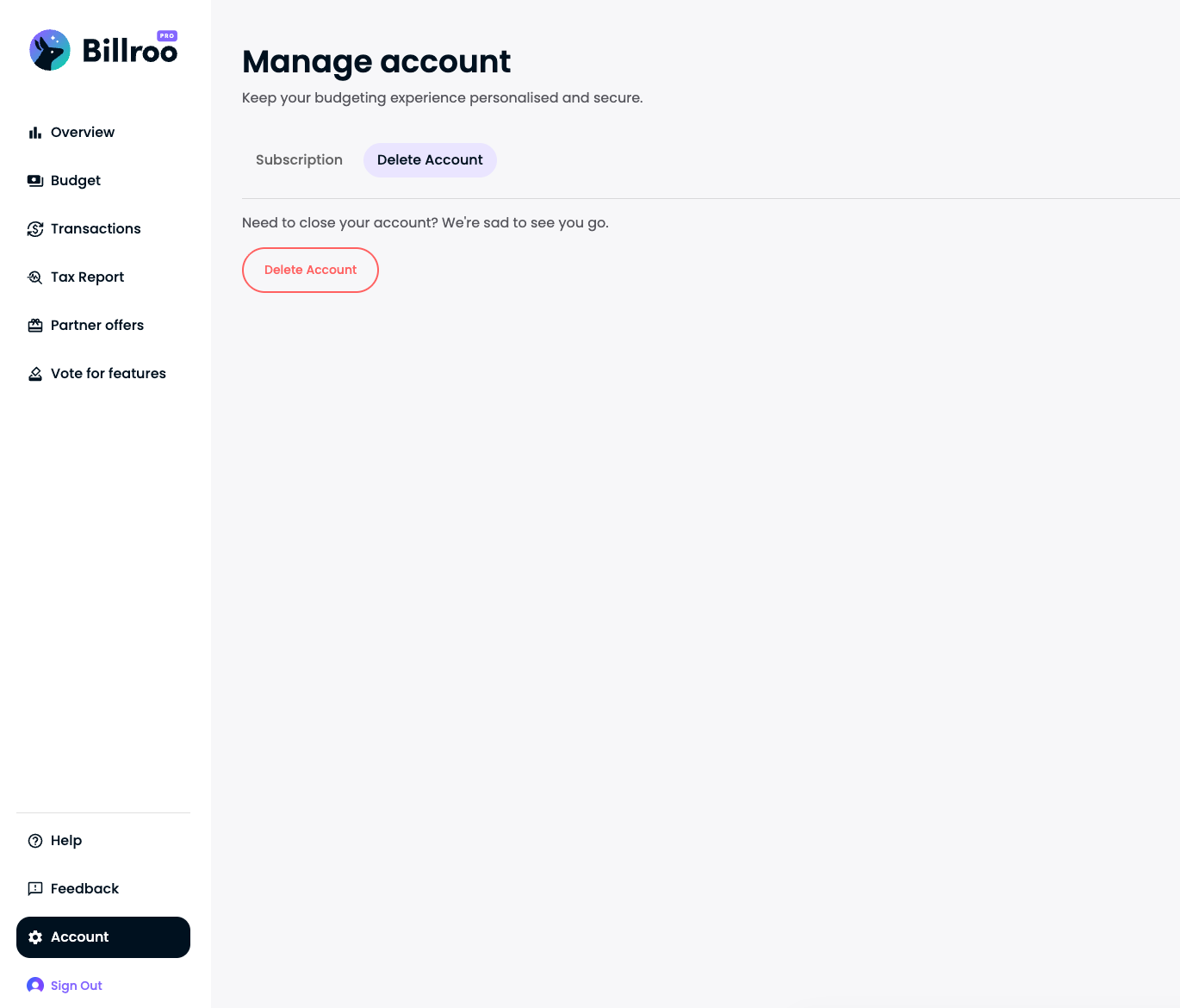
💻 If you’re using the Web App
You can delete your account on the Billroo website as follows:
Log in to your Billroo account
👉 https://app.billroo.com/signinGo to Account Settings > Delete Account
Or head straight there using this link:
🔗 https://app.billroo.com/account/deleteFollow the prompts to permanently delete your account.
Once deleted, all of your data will be removed from Billroo and cannot be recovered.
delete
delete account
Was this article helpful?
Sorry about that! Care to tell us more?